An index is a basket of tokens that trades as one. You pick the tokens and their weights, and the launcher wires each one to its Uniswap pool so the index can route swaps. It takes a couple of minutes. Here's the whole flow.
1.Name & ticker
Give your index a name (e.g. Base DeFi Index) and a short ticker (e.g. BDEFI). Both are required — an index with no name won't deploy.
2.Add your assets
For each token, paste its contract address into the address box, then hit ⤓ Auto-fetch pool. The launcher finds the token's Uniswap pool (V3 first, then V4) and fills in the venue, fee tier and tick spacing for you. You can also click any token in the Suggested assets box to drop it straight into the basket.
3.If auto-fetch can't find the pool, look it up on Uniswap
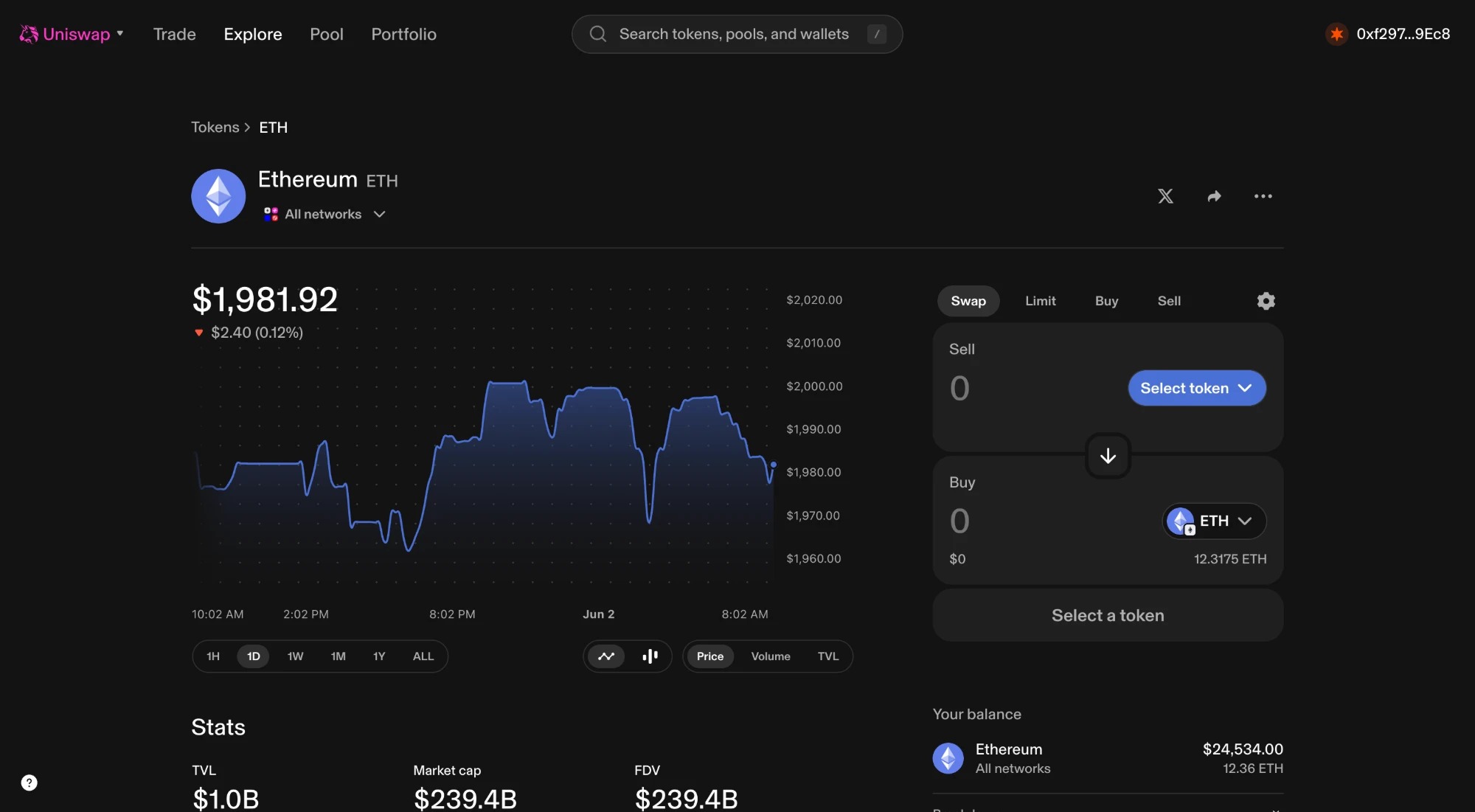
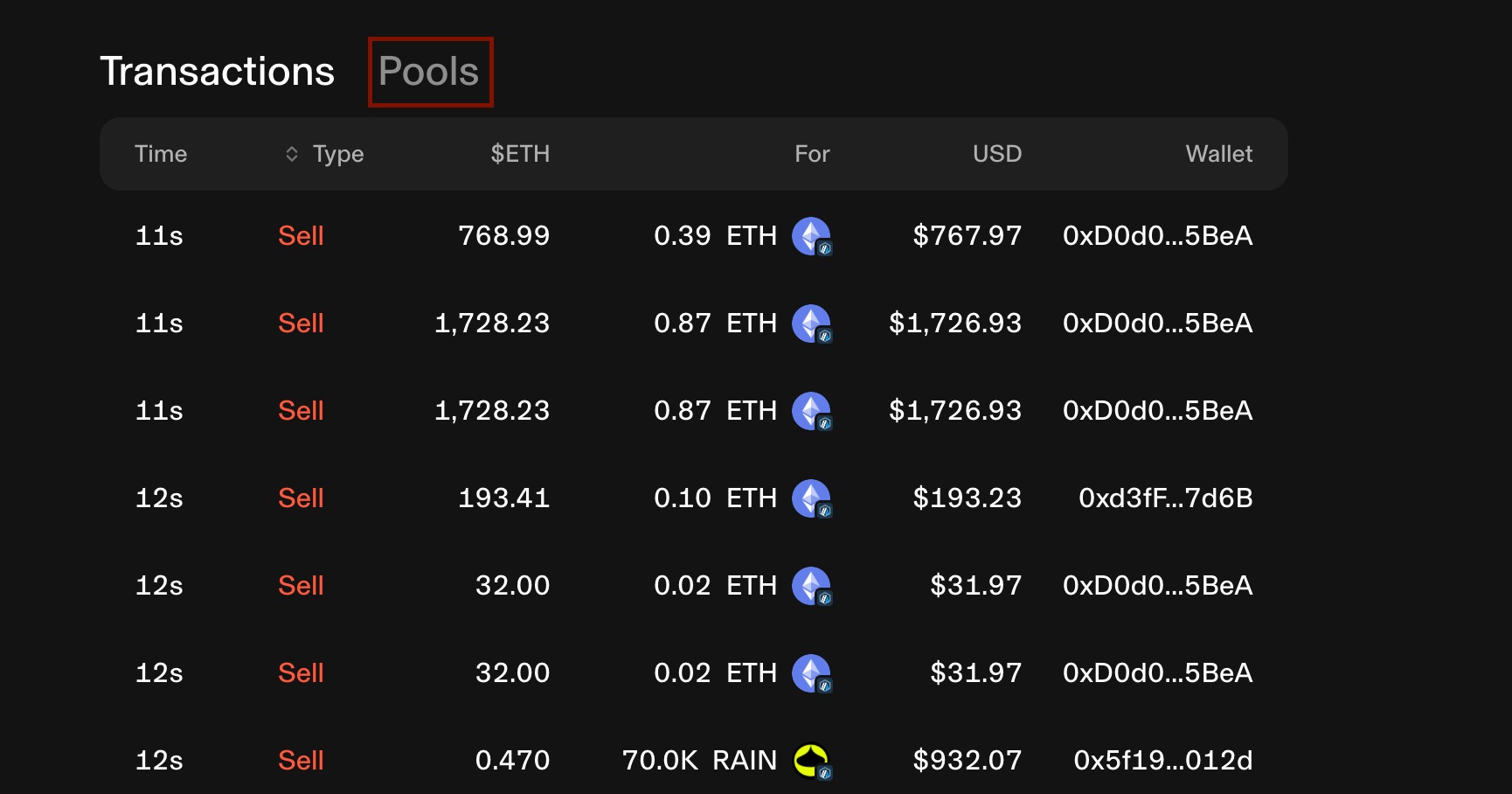
Some tokens (older pools, exotic fee tiers) need the details entered by hand. Click To Uniswap ↗next to the asset — it opens that token's page on Uniswap. From there you can read the pool details:The token page on Uniswap. Scroll down past the chart……and open the Pools tab (next to Transactions). Each pool shows its pair (look for the WETH pool), its fee tier (e.g. 0.3%, 1%) and its version (v2 / v3 / v4). Enter those back in the launcher: pick the venue, type the fee %, and for V2 paste the pool (pair) address.
4.Set the weights to 100%
Each asset gets a weight in percent. They must total exactly 100% — the pill at the top of the basket turns green when they do. This is how much of every buy flows into each token.
5.Deploy
Hit deploy. Your browser mines a special token address (so Uniswap recognises the index's built-in logic) — this is local, nothing to sign, takes a second or two. Then you confirm one transaction and your index is live. You earn 30% of every swap fee it makes, forever.